

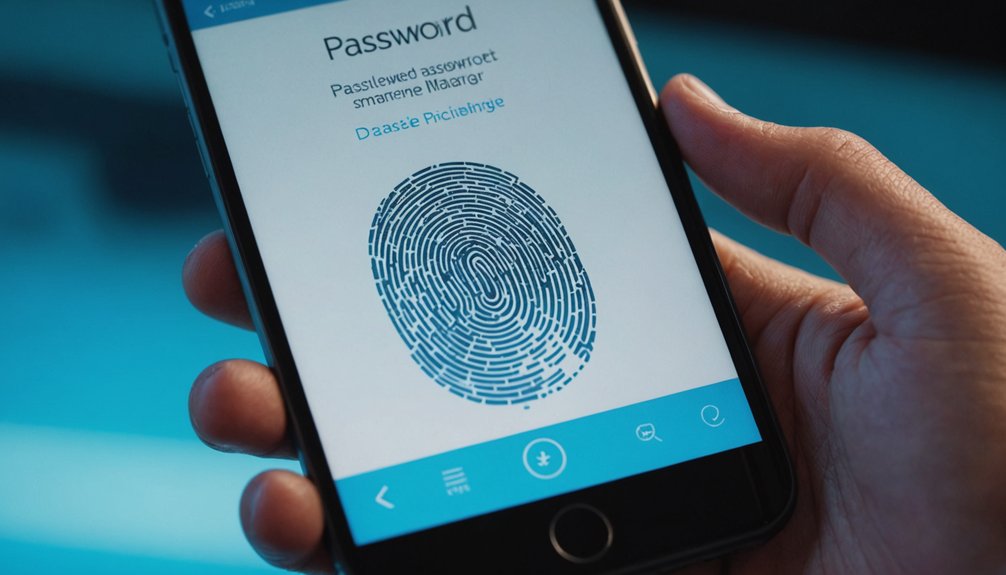

The integration of biometric login options in password managers has greatly improved security and user experience. Advanced technologies, such as facial recognition and fingerprint scanning, eliminate the need for complex passwords, providing quick and secure access to password vaults. This added layer of protection guarantees that even compromised passwords remain secure without the corresponding biometric data. As a result, password managers with biometric authentication have become a sought-after solution for individuals seeking strong security, but how effective are they in practice?
Highlights
- Top password managers with biometric login options include 1Password, LastPass, Dashlane, and Keeper, offering enhanced security and convenience.
- Biometric authentication methods, such as facial recognition and fingerprint scanning, provide an additional layer of protection against unauthorized access.
- When choosing a password manager, evaluate user experience, features, and compatibility with devices and browsers to meet specific needs.
- Enable two-factor authentication and regularly review account activity to detect potential breaches and ensure secure use of biometric login options.
- Consider a password manager’s data storage and handling practices to confirm that biometric data is not shared or compromised.
Benefits of Biometric Login Options
Numerous studies have shown that biometric login options offer a significant improvement in security compared to traditional password entry methods. This is especially true for password managers, where users can benefit from an additional layer of protection.
Biometric login options, such as fingerprint or facial recognition, provide a seamless user experience, allowing individuals to access their password vaults quickly and easily. In addition, biometric login options often include accessibility features, such as voice commands or gesture-based guidance, which can be particularly helpful for individuals with disabilities.
Top Password Managers With Biometric Authentication
With the benefits of biometric login options well established, it’s logical to investigate the top password managers that incorporate this advanced security feature.
Several password manager reviews highlight the importance of biometric authentication, citing its ability to enhance security and convenience. Leading password managers, such as 1Password and LastPass, have already integrated biometric technology advancements, including facial recognition and fingerprint scanning.
These features enable users to access their accounts with ease, eliminating the need for complex passwords. Other notable password managers, like Dashlane and Keeper, also offer biometric authentication options.
How Biometric Login Options Enhance Security
As the threat of data breaches and cyber attacks continues to rise, incorporating biometric login options into password management systems is becoming increasingly vital for enhancing security.
Biometric security measures, such as facial recognition, fingerprint scanning, and voice recognition, provide an additional layer of protection against unauthorized access. This approach guarantees that even if a password is compromised, the attacker will not be able to access the account without the corresponding biometric data.
Furthermore, biometric login options enhance user convenience by eliminating the need to remember complex passwords or undergo tedious login processes. By combining strong security with ease of use, biometric login options offer a more secure and user-friendly experience, ultimately reducing the risk of security breaches and cyber threats.
Choosing the Right Password Manager for Your Needs
How does one select a reliable password manager that caters to their specific requirements?
To make an informed decision, it’s crucial to evaluate the user experience and conduct a feature comparison of various password managers. Individuals should assess their needs, such as the number of devices and users, and the level of security required.
A thorough evaluation of features, including biometric login options, password generation, and autofill capabilities, will help narrow down the options. Additionally, users should examine the password manager’s compatibility with their devices and browsers, as well as the quality of customer support.
Best Practices for Using Biometric Login Options Securely
Selecting a reliable password manager that meets one’s specific needs is only the first step in securing online identity.
To guarantee the security of biometric login options, users must also follow best practices that prioritize biometric data security and address user privacy concerns. This includes using a secure authentication method, such as facial recognition or fingerprint scanning, in conjunction with a strong primary password.
Users should also enable two-factor authentication and regularly review account activity to detect potential security breaches.
Additionally, users must be aware of the data storage and handling practices of their chosen password manager, confirming that their biometric data is not shared or compromised.
Conclusion
Password managers with biometric login options offer a secure and convenient solution for managing complex passwords. By integrating advanced technologies like facial recognition and fingerprint scanning, these password managers provide an additional layer of protection against unauthorized access. With a range of top password managers to choose from, users can select the one that best fits their needs and enjoy enhanced security and a seamless user experience. Biometric login options have become a significant feature in password management.